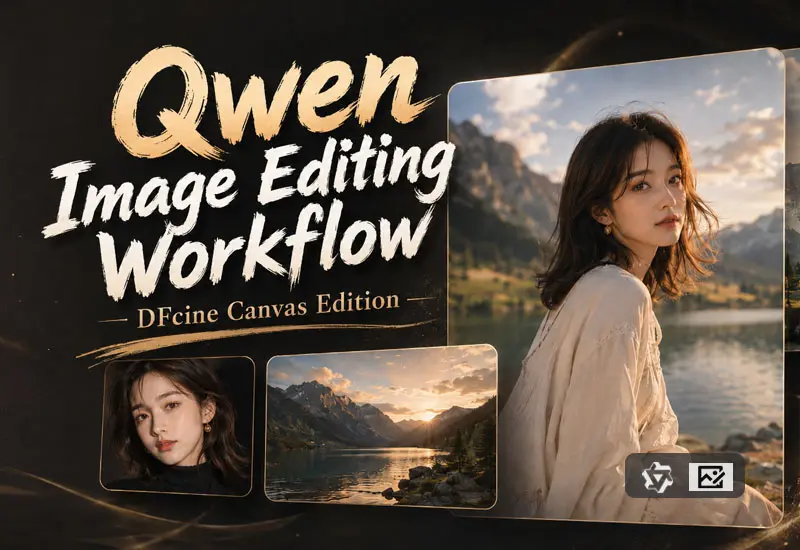

Qwen Image Editing Workflow Introduction
The Qwen Image Editing Workflow is a local AI image editing pipeline designed for DFCine canvas software. It is built on the Qwen Image Edit 2511 FP8 model combined with 4-step accelerated LoRA, enabling high-quality image modification in a few streamlined steps.
This workflow allows users to perform local or global edits on input images, such as character replacement, scene fusion, style adjustments, canvas expansion, and detail refinement. Users can describe the desired edits using Chinese prompts, making the process more intuitive and natural.
We provide three versions of the workflow:
Qwen-1-ImgEdit
Designed for single-image editing. Allows modification, repainting, or stylization of one input image.
Qwen-2-ImgEdit
Supports dual-image input, where one image serves as the main subject and the other as a reference for scene, style, or content fusion.
Qwen-3-ImgEdit
Supports up to three input images, suitable for complex multi-image references, combining characters and scenes, or integrating products with backgrounds.
Model Requirements
qwen_image_edit_2511_fp8mixed.safetensors Location:models\diffusion_models
Qwen-Image-Edit-2511-Lightning-4steps-V1.0-bf16.safetensors Location:models\loras
qwen_2.5_vl_7b_fp8_scaled.safetensors Location:models\text_encoders
qwen_image_vae.safetensors Location:models\vae