

Workflow Introduction
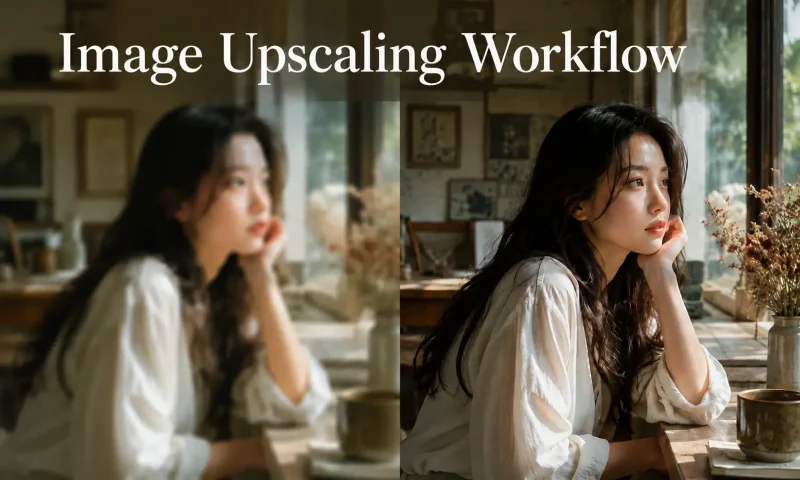
This workflow is based on the SeedVR2 model and can upscale the input image to a higher resolution with improved clarity.
Model Configuration
First, create a folder named SEEDVR2 under:
ComfyUI\models
Then download the following two model files into the SEEDVR2 folder:
ema_vae_fp16.safetensors
seedvr2_ema_3b_fp16.safetensors
Download link:https://huggingface.co/numz/SeedVR2_comfyUI/tree/main
How to Use
First, install the DFCine Canvas. Then create an image node in the canvas and select the Image Upscaling Workflow.
© Copyright Notice
文章版权归作者所有,未经允许请勿转载。
THE END